Synth Patch
Synth Patch saves synth patches. Each synth is an interactive drawing of its front panel. Turn the knobs, flip the switches, patch the cables, then save it with notes and an audio clip of how it sounds.
I wanted a way to save patches (and some audio clips) for things I’d made on my own synths, and couldn’t find a good one. Patch sheets are mostly paper. Manufacturers print blank panel pages in the back of the manual for you to draw and write on, or supply cards that lay over the top of the synth. In 2024 I drew my own as a set of Figma components and patch templates. Synth Patch is the interactive version. Built starting July 2025, public at version 2.0 a few months later.
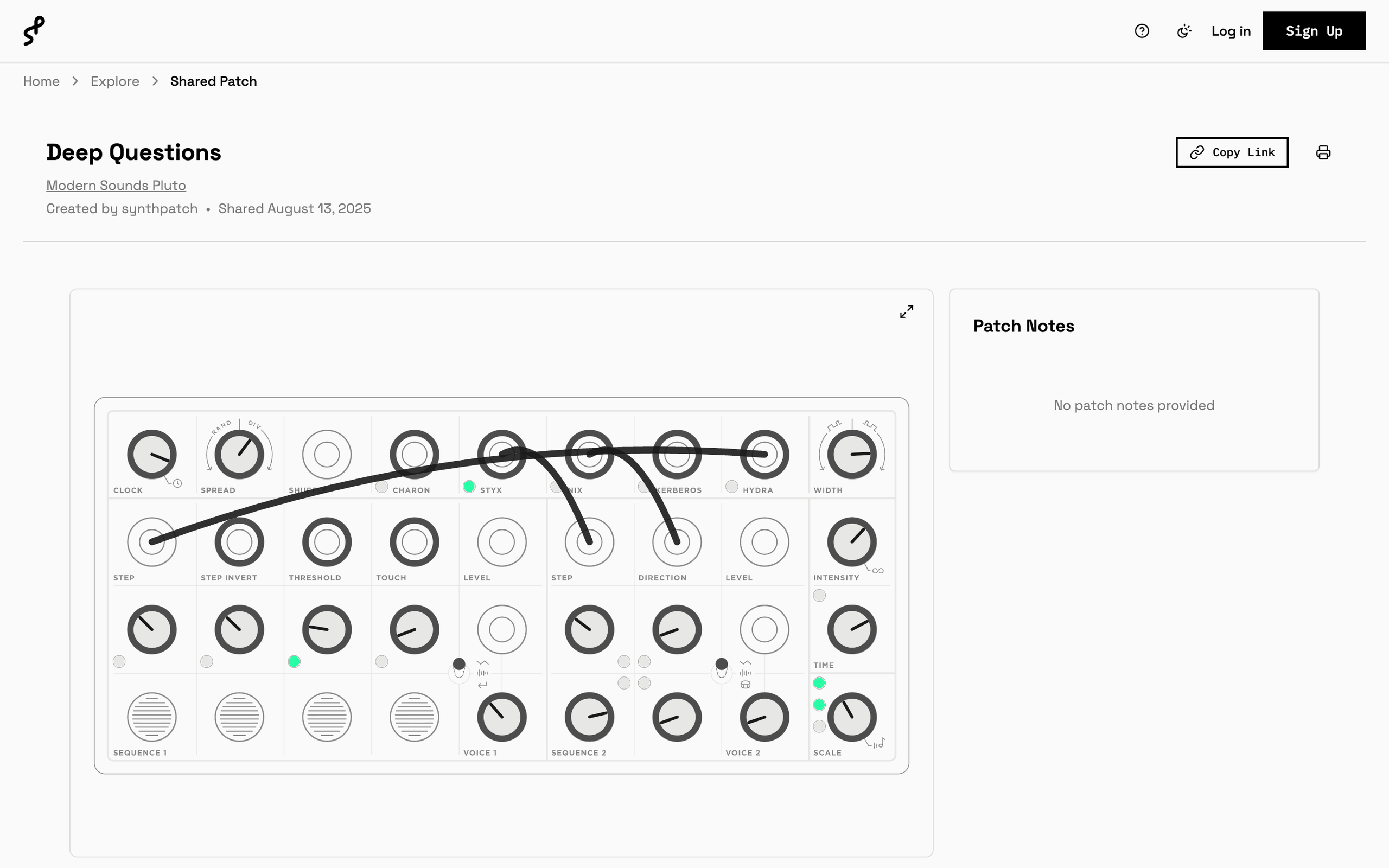
“Deep Questions” on the Modern Sounds Pluto was the first patch in the Figma sheets. Here it is in the app.
The synths
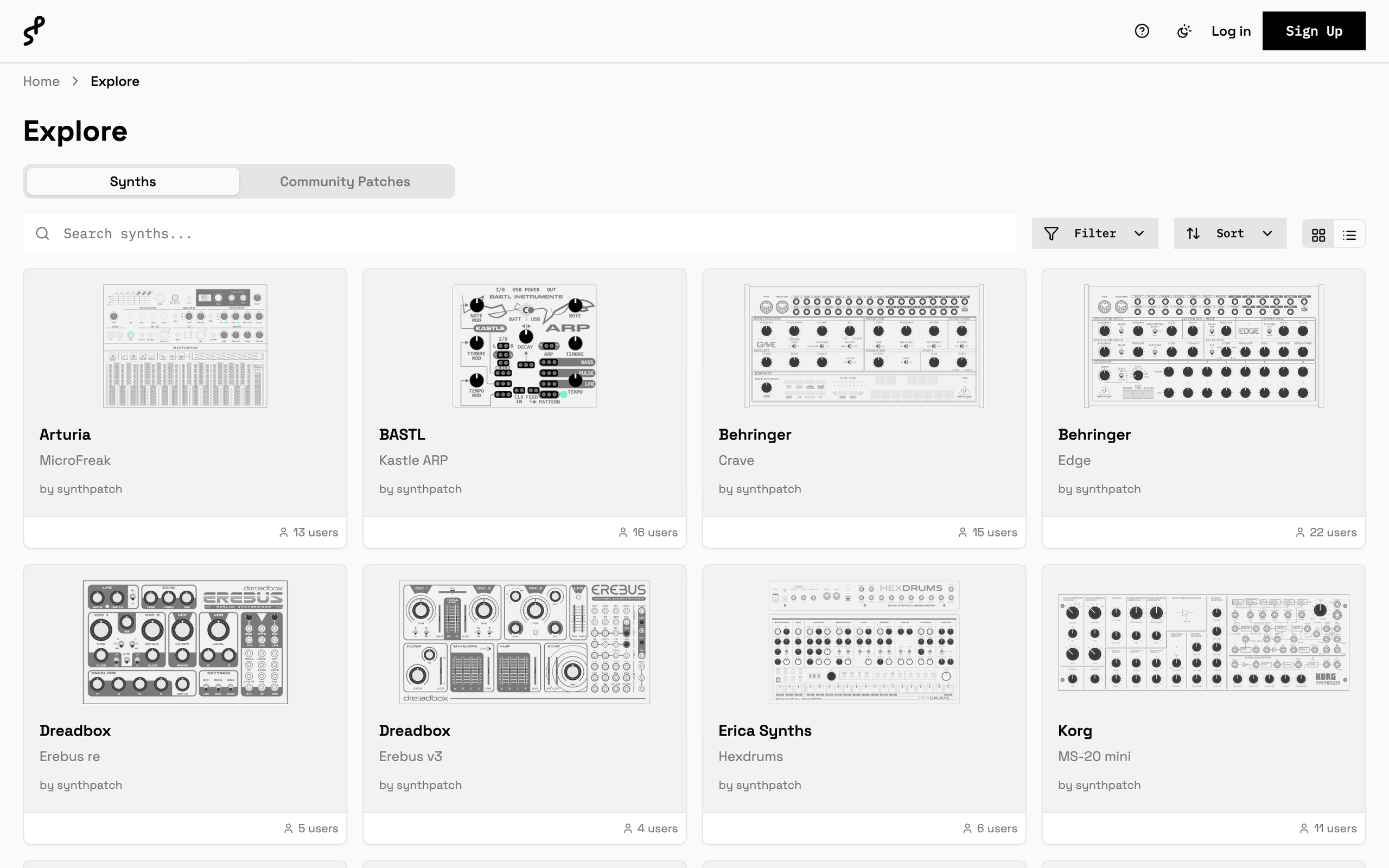
23 synths so far, from Moog, Make Noise, Behringer, Arturia, Dreadbox, Korg, and others. Each one starts as an SVG of the front panel. Magenta circles in a mapping layer mark where each control sits. The setup wizard reads them, and each spot gets a control type: knob, jack, switch, slider, button, LED, pitch wheel, key, and a few more. A new synth is drawing and mapping, not code.
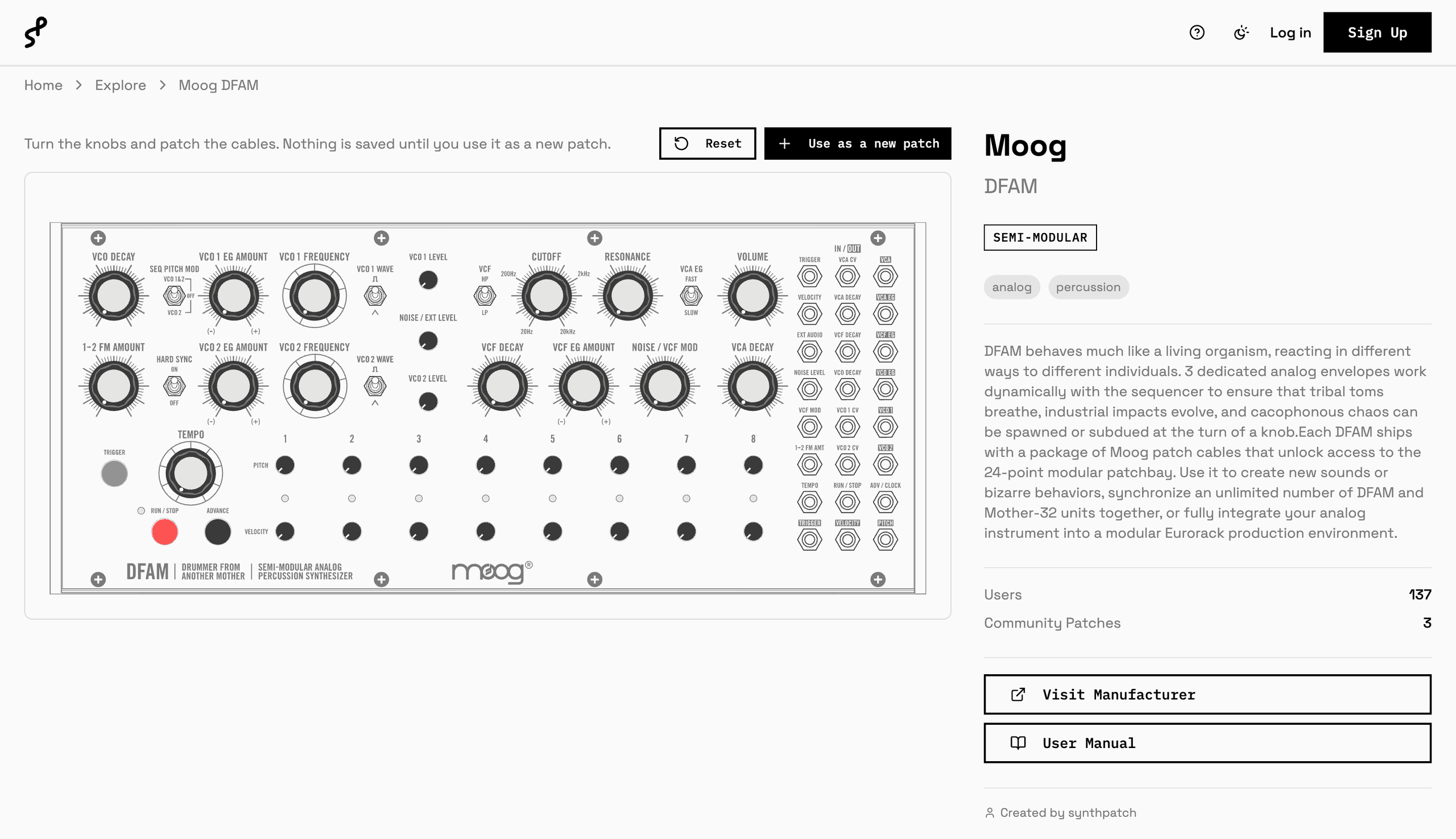
Every synth has its own page to play with before signing up. Nothing is saved until you use it as a new patch.
The patches
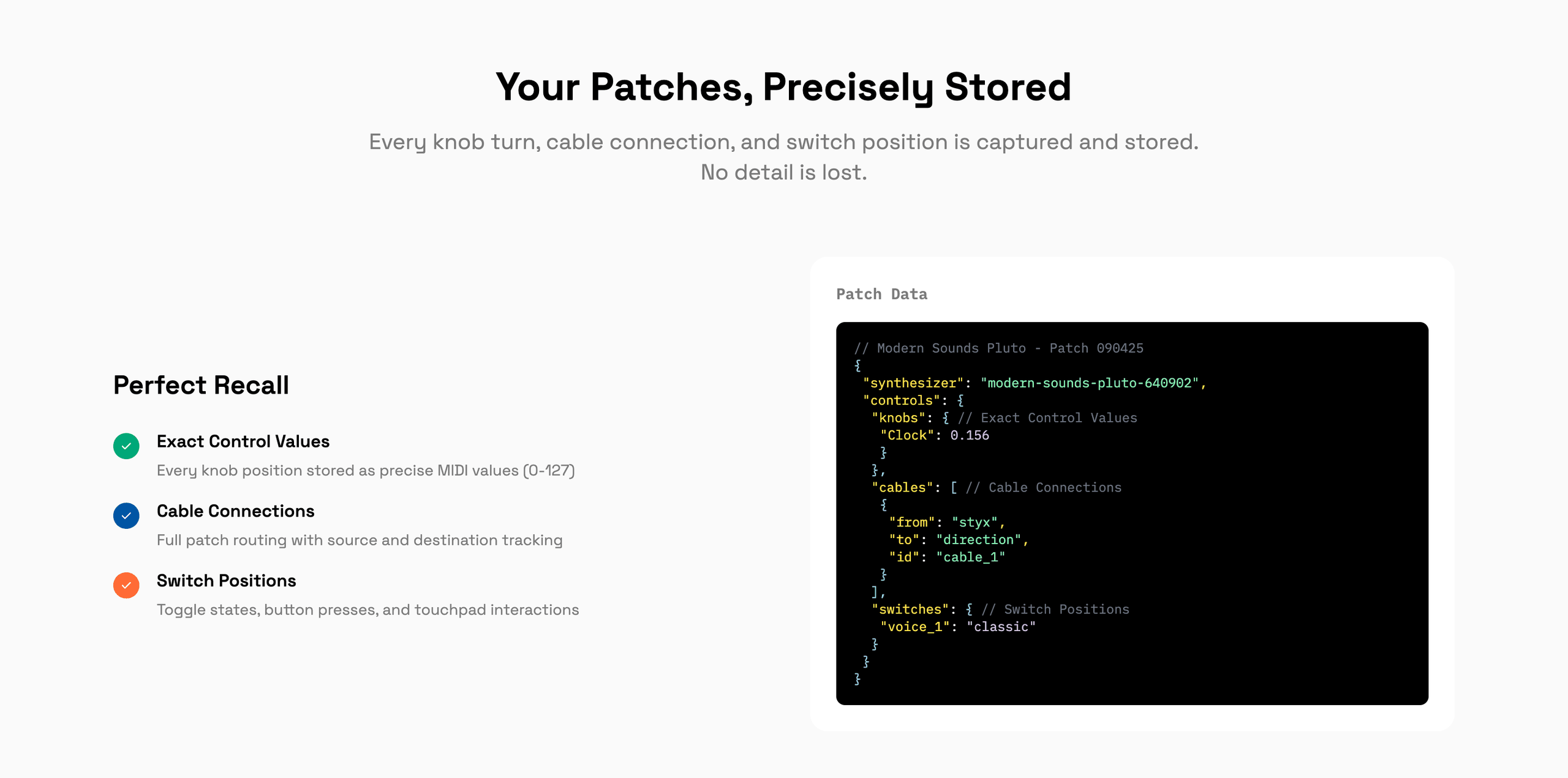
A saved patch stores every control as a value and every cable as from and to, with its own color. Add notes and an audio clip. Keep it private, share it by link or publicly, print it, or embed it on another site. Other people’s public patches show up in Community Patches.
Under the hood
Next.js on Vercel, Postgres on Neon, Vercel Blob for the panel graphics and audio, Clerk for accounts and billing. Free for 20 patches, and sharing publicly earns more. Pro is unlimited. The brand site at synthpatch.io is plain static HTML.
The logo is one patch cable that writes S and P, with a plug on each end.